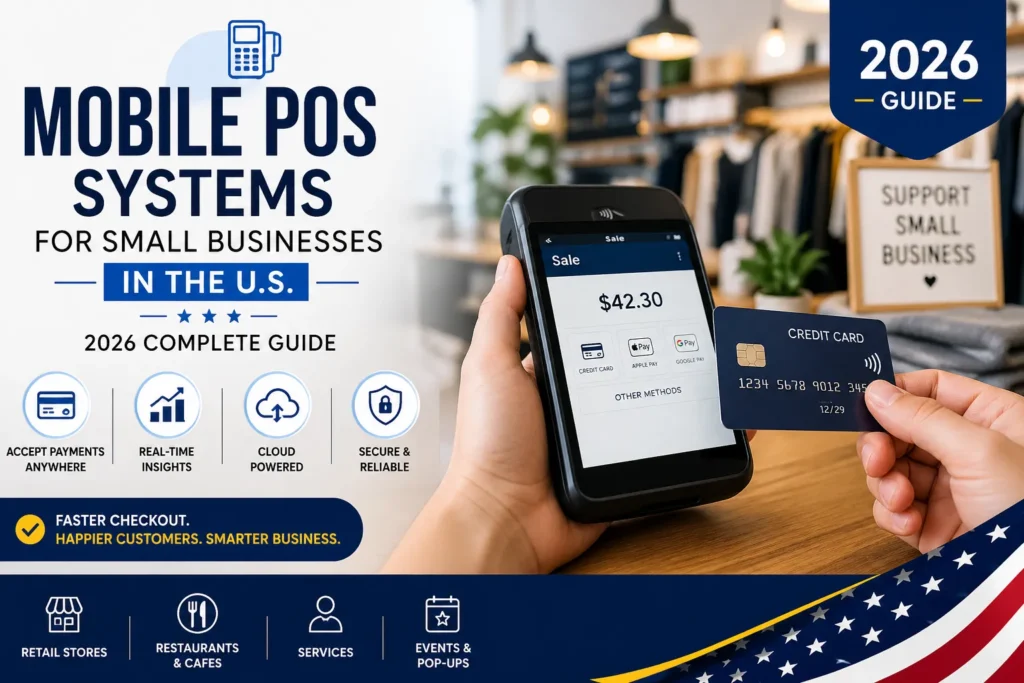
The best mobile pos system is something that keeps coming up in real conversations, not just online searches. It becomes noticeable when a store gets busy, when customers start waiting, and when payments begin to feel slow and frustrating.
Look at how things are changing. A customer walks in, picks something, and expects to pay right away. Not after walking to a counter. Not after standing in a line. Right there, in that moment.
That is exactly what mobile point of sale systems are doing. They are removing that extra step. They are making checkout feel like a natural part of the interaction, not a separate process.
So the question is no longer whether to use one. The real question is which best mobile pos system actually fits the way a business runs every day.
What is a Mobile POS System
When asking what is a mobile pos system, think of it in the most practical way.
It is a system that lets a business take payments using a phone or tablet, instead of being stuck behind a fixed machine.
What it looks like in real use
- A staff member holding a tablet or phone
- A POS app open and ready
- A small mobile pos terminal connected for payments
- Everything linked through the cloud
A portable pos system means the business is no longer tied to one place.
Imagine walking through a store, asking for help, and completing the purchase right there without being redirected. That is how it works in real situations.
How Mobile POS Systems Work
Understanding how mobile POS systems work becomes clear when looking at a normal sale.
What happens in front of the customer
- The item is selected
- It is added into the system
- The customer taps or swipes to pay
- The wireless pos system completes the payment instantly
What happens in the background
- The system updates inventory
- The sale is recorded automatically
- Reports start updating without anyone doing extra work
Nothing feels complicated. Everything just moves forward. That is why businesses are leaning toward the best mobile pos system.
Why Small Businesses Are Making the Shift
There is a reason the best mobile pos system is becoming part of everyday operations.
What changes right away
- No more sending customers to a counter
- No more long lines building up
- No more delays during busy hours
What makes it work better
- A portable pos system allows movement across the space
- A low cost mobile POS solution keeps expenses manageable
- Faster checkout keeps things flowing
- Real-time updates remove confusion
It is not about adding something new. It is about fixing what slows things down.
Types of Mobile POS Systems
Every business works differently. That is why the best mobile pos system is not the same for everyone.
Think about it like this
- Retail stores
Focus on scanning items and managing stock - Restaurants and cafes
Focus on taking orders quickly and reducing wait time - Service businesses
Focus on flexibility and direct interaction - Events and pop-ups
Focus on quick setup and mobility
Each one uses a different kind of mobile pos solution, but the goal stays simple. Keep things moving without interruption.
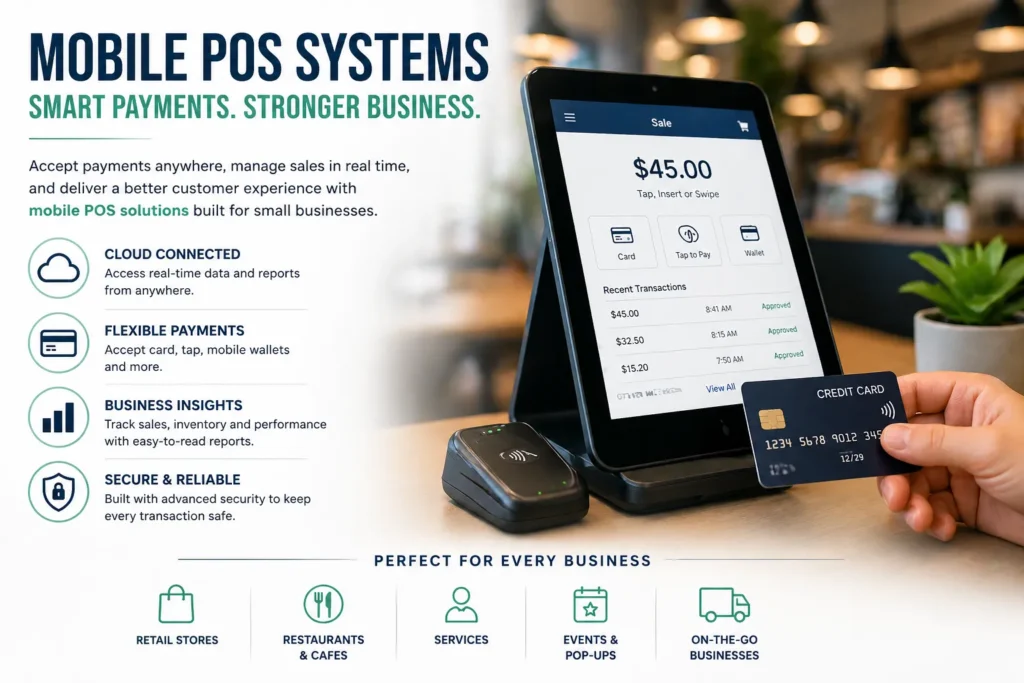
Features That Actually Help During a Busy Day
Long feature lists sound impressive, but the best mobile pos system is the one that actually helps when things get busy.
What really makes a difference
- Cloud access
Everything stays updated without extra effort - Inventory tracking
No guessing, no manual counting - Flexible payments
Tap, card, mobile wallet - Offline mode
Payments continue even if the internet drops - Reports
Clear view of what is selling - Integrations
Connects easily with other tools
Simple way to look at it
| Feature | What it feels like in real use |
| Inventory | Always knowing what is available |
| Reports | Seeing what is working |
| Offline mode | No interruptions during sales |
| Integrations | Less manual work |
A good pos provider keeps these features simple and easy to use, not complicated.
Cost and What It Means in Practice
Cost always comes up when choosing the best mobile pos system.
What goes into the cost
- Device and mobile pos terminal
- Monthly software fee
- Transaction charges
- Optional add-ons
What it usually looks like
- Entry level: low cost mobile POS solution under 50 dollars monthly
- Mid range: 50 to 150 dollars
- Higher range: 150 and above
The goal is not to spend more. The goal is to spend where it actually matters.
What Changes After Using Mobile POS
Once the best mobile pos system is in place, the difference becomes obvious.
What starts happening daily
- Payments happen faster
- Staff move freely instead of staying in one spot
- Fewer mistakes happen
What customers notice immediately
- Less waiting
- Faster service
- Easier payment options
Improvements over time
- Better understanding of sales
- Easier business growth
- More control over operations
A reliable mobile POS system for small business becomes part of the routine, not something extra to manage.
Common Issues and How They Are Handled
Even the best mobile pos system is not perfect.
What might come up
- Internet connection drops
- Staff needing time to adjust
- Questions about security
How it gets handled in real situations
- Offline mode keeps payments going
- Simple interfaces reduce confusion
- A trusted pos provider handles security concerns
These are not deal-breakers. They are small things that get managed quickly.
Choosing the Right System
Choosing the best mobile pos system does not need to feel complicated.
Think through it step by step
- Look at how the business runs daily
- Set a budget that feels comfortable
- Check how easy the system is to use
- Make sure support is available
Quick way to decide
- Does it fit the workflow
- Can it grow with the business
- Is it simple to use
- Are costs clear
A clear decision now avoids problems later.
What Is Changing Going Forward
The mobile pos solution is still improving.
What is starting to happen
- Smarter insights from sales data
- Faster and smoother payments
- Better connection with online stores
- More automation in daily tasks
The best mobile pos system will continue to feel easier while doing more behind the scenes.
Frequently Asked Questions
What is a mobile POS system?
It is a system that allows a business to take payments using a phone or tablet, making checkout flexible instead of being tied to a fixed counter.
How do mobile POS systems work during a normal transaction?
They allow items to be added into an app, process payments instantly through a card reader, and update sales and inventory automatically.
What makes the best mobile pos system stand out in real use?
The best mobile pos system works smoothly, feels easy to use, supports different payment methods, and does not slow down daily operations.
Are mobile POS systems safe for handling customer payments?
Yes, most systems use secure technology and encryption, ensuring that customer data and transactions are protected at all times.
Can a mobile POS system work if the internet stops working?
Many systems offer offline mode, allowing payments to continue and sync later when the internet connection comes back.
What is included in a mobile POS terminal setup?
It includes a card reader, a mobile device, and software that together handle payment processing and transaction tracking.
Is there a low cost mobile POS solution for small businesses?
Yes, there are affordable options available that provide essential features without requiring a large upfront investment.
Why do customers prefer wireless POS systems in stores?
They reduce waiting time and allow faster checkout, making the overall shopping experience smoother and more convenient.
Can mobile POS systems connect with other business tools easily?
Most systems can integrate with accounting, inventory, and CRM tools, helping manage operations in a more organized way.
Why is choosing the best mobile pos system important for growth?
It improves speed, customer experience, and efficiency, which directly impacts how smoothly a business runs and expands over time.