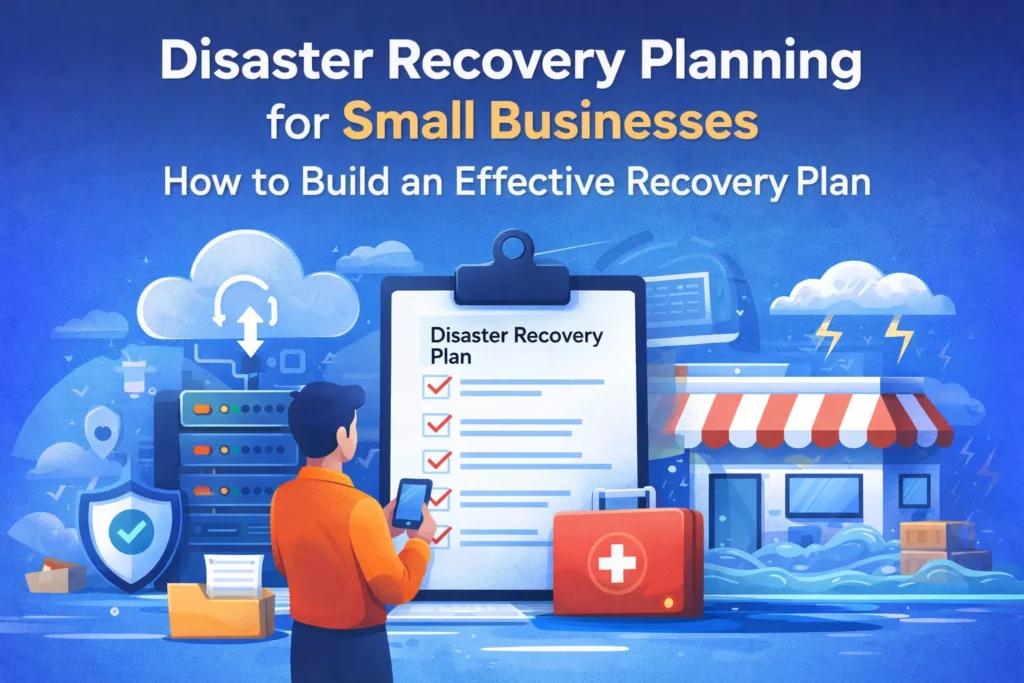
Ever think a disaster recovery plan for small business is just for giant corporations with deep pockets? Think again. Small outfits face the same threats—maybe worse—with cyber hits, blackouts, server meltdowns, or even one slip-up grinding everything to a halt.
The real killer isn’t the mess itself. It’s how long it takes to bounce back. No prep means your crew’s running blind, systems stay dead for days, customers bail, and cash flow dries up fast.
That’s exactly why a solid disaster recovery plan for small business saves the day. Picture it as your go-to map in the storm. Everyone knows the drill: fix sales first, call this person, flip to backups—back to business smooth.
Smart disaster recovery planning boils down to getting set before trouble knocks. Teams that do this rebound quick, shield their wallet, and keep folks loyal through the rough stuff.
Truth is, a working small business disaster recovery plan skips fancy tech. Focus on clear steps, real practice, and checks that stick. Stick around—this guide walks through building your disaster recovery plan for small business and tying it to everyday disaster recovery and business continuity strength.
Why Small Businesses Should Take Disaster Recovery Seriously
Many small businesses believe disasters are rare events. But disruptions happen more often than expected. A small technical issue can stop operations completely if there is no backup plan.
Without proper disaster recovery planning, businesses may face several challenges:
- Important business data may disappear permanently
- Employees cannot access systems to work
- Customer orders get delayed or cancelled
- Revenue losses start building quickly
- Brand reputation suffers
A clear disaster recovery plan for small businesses prevents confusion during emergencies. Everyone understands the next steps, and the team can act quickly instead of wasting time figuring things out.
Common Situations That Disrupt Small Businesses
Not every disaster looks dramatic. In many cases, it starts with small technical or operational problems that slowly grow bigger.
Technology Failures
Almost every modern business relies on digital tools. When technology fails, everything slows down.
Some common examples include:
- Servers suddenly crashing
- Software systems freezing
- Internet connection failure
- Hardware damage
A reliable business recovery strategy helps restore these systems quickly so employees can continue working.
Cybersecurity Incidents
Cyber threats are increasing every year. Small businesses are frequent targets because they often lack strong security systems.
Some examples include:
- Ransomware attacks that lock business data
- Malware infections damaging systems
- Data breaches exposing sensitive information
- Phishing scams targeting employees
Strong recovery strategies for businesses ensure systems can be restored safely after cyber incidents.
Natural Disasters
Environmental events can also interrupt business operations.
Examples include:
- Flooding damaging office infrastructure
- Fires affecting equipment and files
- Storms causing power outages
- Earthquakes disrupting facilities
A prepared disaster recovery plan for small business helps companies recover operations faster after these events.
Everyday Human Mistakes
Sometimes the problem is much simpler. A small mistake can create a big disruption.
Common examples include:
- Accidentally deleting important files
- Incorrect system updates
- Database errors
Proper disaster recovery planning ensures that even these small issues do not turn into major setbacks.
Important Parts of a Disaster Recovery Plan
A reliable disaster recovery plan for small business includes several key components that support quick recovery.
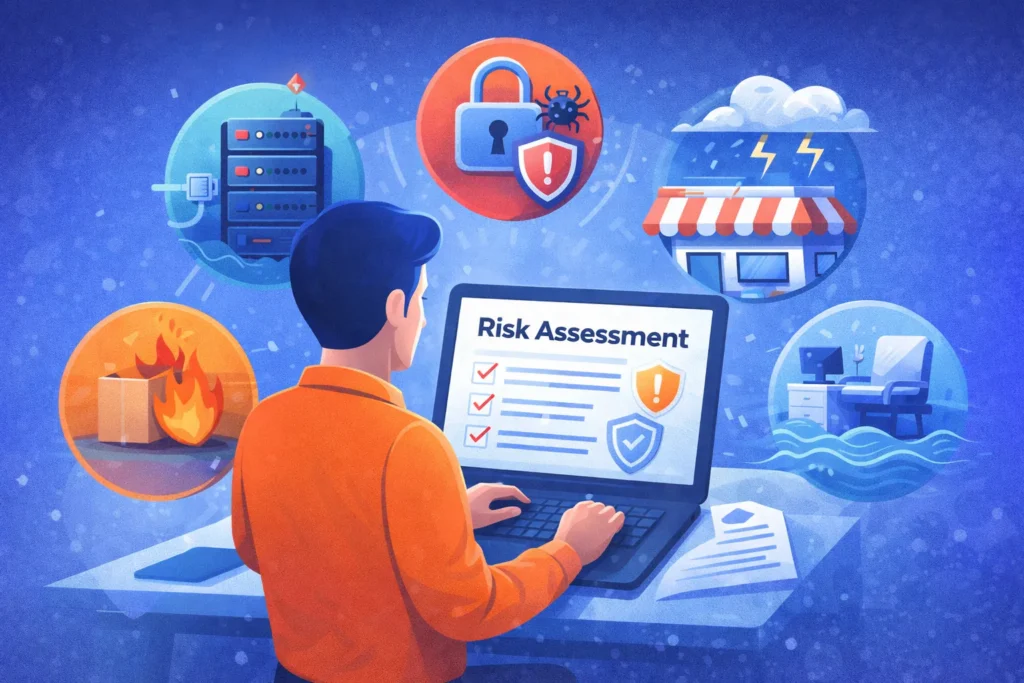
Risk Assessment
The first step is understanding possible risks.
Risk assessment helps businesses identify:
- Technology related threats
- Environmental risks
- Financial vulnerabilities
- Operational weaknesses
Once these risks are clear, companies can build better financial recovery strategies and prevention systems.
Business Impact Analysis
Every business process is not equally important.
A business impact analysis identifies:
- Critical systems that must stay active
- Services customers depend on most
- Processes that generate revenue
This helps the business recovery plan focus on restoring the most important systems first.
Data Backup Systems
Data is often the most valuable asset a business owns.
Effective backup strategies include:
- Cloud backup systems
- Offsite storage solutions
- Automated daily backups
- Backup verification testing
These systems support the disaster recovery plan for small business by protecting essential information.
Communication Plan
During a crisis, communication keeps everyone organized.
Businesses should define how to contact:
- Employees
- Customers
- Suppliers
- Technical support teams
Clear communication improves coordination within business recovery services.
Simple Steps to Build a Disaster Recovery Plan
Creating a disaster recovery plan for small business becomes easier when broken into clear steps.
Step 1: Identify the Most Important Systems
Start by listing the systems the business depends on daily.
Examples include:
- Customer databases
- Payment processing systems
- Accounting software
- Communication tools
- Inventory management systems
These systems form the core of disaster recovery and business continuity.
Step 2: Decide Acceptable Downtime
Every system can tolerate a different amount of downtime.
| Business System | Acceptable Downtime | Priority |
| Payment processing | 1 hour | High |
| Customer database | 3 hours | High |
| Internal messaging | 6 hours | Medium |
| Marketing tools | 24 hours | Low |
These limits guide the business recovery strategy.
Step 3: Build Backup and Redundancy Systems
Backups protect operations when systems fail.
Businesses often use:
- Cloud storage platforms
- Secondary servers
- Backup internet connections
- Automatic system backups
These solutions strengthen the disaster recovery plan for small business.
Step 4: Assign Responsibilities
Every employee should know their role during recovery.
Typical responsibilities include:
- IT system restoration
- Internal communication coordination
- Vendor contact management
- Operational supervision
Defined roles improve recovery strategies for businesses.
Step 5: Test the Recovery Plan
A plan that is never tested may fail during real emergencies.
Testing methods include:
- simulated disaster drills
- system restoration tests
- backup recovery checks
- communication exercises
Regular testing ensures the small business disaster recovery plan actually works.
Example Disaster Recovery Flow
Many organizations follow a structured recovery process.
| Stage | Action |
| Detection | Identify the disruption |
| Response | Activate recovery team |
| Containment | Stop further damage |
| Recovery | Restore systems and data |
| Review | Improve future planning |
This process helps the disaster recovery plan for small business function smoothly under pressure.
Financial Recovery Strategies After a Disaster
Operational recovery alone is not enough. Businesses also need strong financial recovery strategies.
These strategies help stabilize the company after disruptions.
Examples include:
- reviewing insurance policies
- applying for disaster relief programs
- securing emergency funding
- rebuilding lost revenue channels
Effective financial recovery strategies support long term stability.
When Businesses Use Professional Recovery Services
Sometimes the situation requires expert help.
Professional business recovery services provide support such as:
- advanced data restoration
- infrastructure rebuilding
- cybersecurity incident response
- emergency IT management
These services strengthen the overall business recovery plan during complex disasters.
Warning Signs a Recovery Plan Needs Improvement
Sometimes businesses believe they are prepared but small warning signs reveal weaknesses.
Common issues include:
- outdated backup systems
- no scheduled recovery testing
- unclear employee responsibilities
- missing communication procedures
- incomplete documentation
Updating the disaster recovery plan for small business regularly helps avoid these risks.
Frequently Asked Questions
What goes into a small business disaster recovery plan?
Include risk checks, top fix priorities, data save plans, worker roles, contact lists, and test runs. These parts help bounce back fast from any hit.
How often update a disaster recovery plan for small business?
Check and update your disaster recovery plan for small business once or twice a year. Tech, staff, and work change, so keep steps fresh and useful.
Disaster recovery vs. business continuity?
Disaster recovery fixes systems and data after trouble. Business continuity keeps key work going right away. Use both for full protection.
Common problems for small businesses?
Watch for hacks, server fails, power cuts, storms, or data wipes. No business recovery strategy means quick shutdowns.
How to protect data in disasters?
Use auto-backups, cloud spots, off-site saves, and test them often. This lets quick pulls from your disaster recovery plan for small businesses.
Need pros for recovery?
Yes, if IT skills are lacking—business recovery services fix systems, grab data, fight cyber hits, and repair setups fast.
How long does it take to recover?
Good recovery strategies for businesses mean hours; weak ones take days or weeks. Prep cuts time big.
First move for business recovery plan?
Start with risk checks and list must-fix systems. This spots top needs first in recovery.