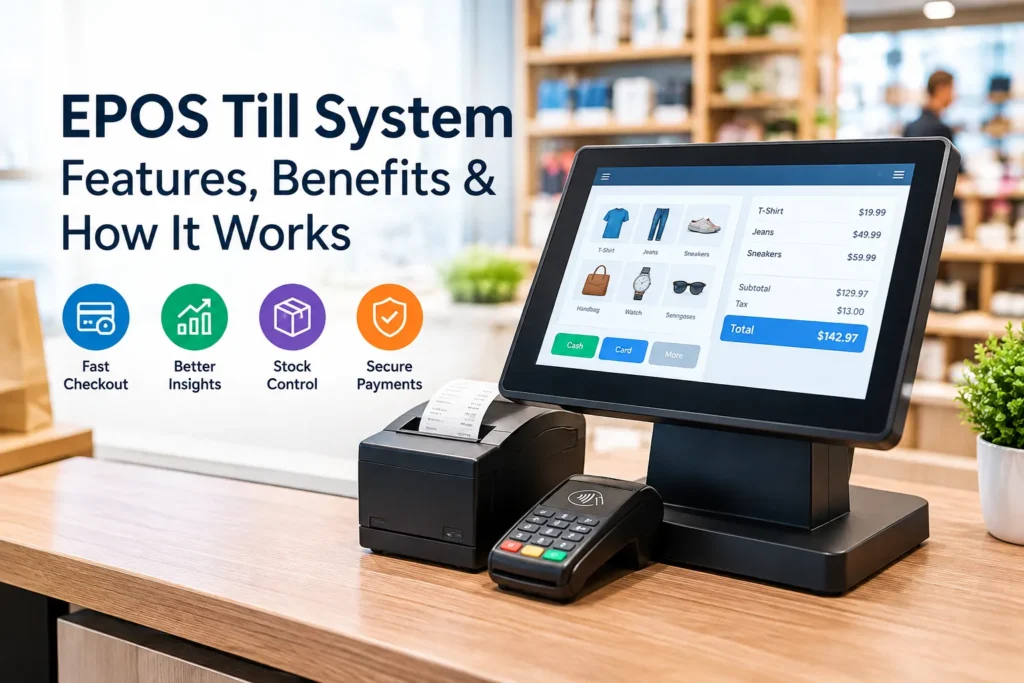
An EPOS till system can help simplify the checkout process, but buying one without understanding its capabilities can end up being expensive. Modern tills have come a long way and can handle payments, store sales data, keep track of products, and integrate with stock control tools.
It is important to understand that while the checkout process is a key part of a till, it is only a small part of the everyday running of a retail business. We’ll look at how an EPOS system works, the features available, its benefits, and what to consider before making a purchase.
What is an EPOS Till System?
An EPOS till system is a digital system that processes payments and stores transaction data. It can include a touchscreen, barcode reader, receipt printer, payment processing tools, and associated software.
Compared to a conventional cash register, an EPOS till can integrate checkout tools with product records, discounts, and stock control functions.
How Does an EPOS Till System Work?
A typical sale will involve the following stages:
- Scan or select products: products are added either by scanning barcodes or selecting from a touchscreen
- Calculate the total: The EPOS till will add up the cost of products, discounts, and any additional charges
- Take payment: A payment method will be selected by the buyer
- Save the transaction: Sales data relating to the transaction is stored digitally
- Finish checkout: A receipt may be printed or issued on a digital device
An example of this might be a shop assistant scanning three items, taking a contactless payment and completing a sale without having to calculate the total themselves.
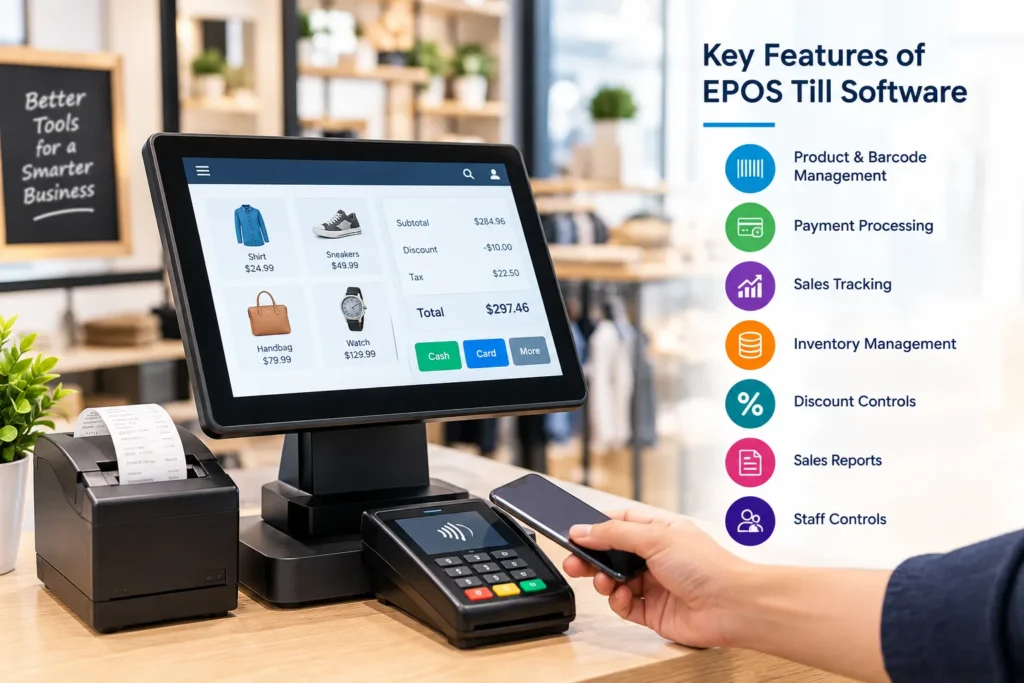
Key Features of EPOS Till Software
Features that might be available in EPOS till software include:
- Product and barcode management for faster checkout.
- Payment processing for cash, card, and contactless transactions.
- Sales tracking for reviewing purchases.
- Inventory management when stock tools are connected.
- Discount controls for promotions.
- Sales reports for transaction activity.
- Staff controls for user access.
What are the Benefits of an EPOS Till System?
An EPOS till system can automate tasks associated with a sale and integrate data relating to those sales. Employees can add items, take payments and produce receipts using the same device. An EPOS can also integrate with stock control tools so that sales data feeds straight into inventory management. This can provide a centralised source of information regarding a business’s transactions and can highlight any problem areas.
Basic Till vs. EPOS
| Basic Till | EPOS |
| Mainly handles checkout | Checkout plus digital records |
| Limited reporting | Wider reporting options |
| Manual stock work may be needed | Can connect with inventory |
| Fewer integrations | Can connect with other tools |
Choosing the Right Retail Till System
When purchasing an ePOS till system, it is important to understand what functions will be needed in the context of the business’s usual operations. Some points to consider might be:
What Should You Check?
- What types of payment will be accepted?
- How many items will be processed per transaction?
- Will inventory tools be integrated?
- Will reports be generated?
- What type of hardware will be needed?
- What after-sales support will be available?
EPOS Till vs. Point of Sale Till
The terms can be used interchangeably, but a point of sale generally refers to the checkout station. An EPOS system covers the till (checkout station) but also includes the associated software and peripherals. An electronic point of sale system can be used to carry out functions other than the processing of payments, depending on its configuration. An EPOS system can integrate inventory, sales records, reporting tools, and other functions with the point of sale station.
One Important Thing to Remember
It is important to choose an EPOS till system based on the needs of the business and the functions it requires. The aim is to choose a till system which streamlines the process of completing a sale and recording that sale, avoiding unnecessary functions.
Conclusion
An EPOS till system can integrate the functions of checkout and sales recording along with other tools which can assist with day-to-day running of a retail establishment. Before choosing an EPOS system, it is important to understand the needs of the business and choose a system which covers those needs.
Frequently Asked Questions
What is an EPOS till?
An EPOS till is a digital till system that processes payments and stores transaction data. It can integrate with other tools such as inventory, reporting, and stock control.
How does an EPOS till work?
An EPOS till will record products, add up the cost, take payment, and store the transaction data. It may also integrate with stock control tools.
What is the difference between an EPOS till and a normal till?
A normal till will handle transactions, while an EPOS till can integrate additional functions such as recording, inventory, and reports.
What does EPOS till software do?
It will typically provide checkout functionality and can integrate with other tools such as inventory, payments, and discounts.
Can an EPOS till manage stock?
Depending on the configuration, it can integrate with inventory tools.
Can an EPOS till accept contactless payments?
Yes, when compatible payment hardware and processing services are connected. Available methods depend on the setup.
Is an EPOS system suitable for small businesses?
It can be, depending on its features and cost. Accessibility for staff is also a consideration.
What is a retail till system used for?
It is used to process payments for purchases and record transactions. It can also integrate with other tools.
What should I look for in an EPOS checkout system?
Payment methods, ease of use, inventory tools, reporting functions, hardware, integration capabilities, user accessibility, and cost are some of the key considerations.
Does an EPOS till replace a cash register?
It can fulfill the same role and typically provides additional functions. It will depend on the particular system.