Picking a restaurant payment system is stressful. You have a million things to worry about. Food quality. Staffing. Customer experience. And then someone tells you they need a new POS.
But here is the thing. The right restaurant POS solutions make your life easier. The wrong one? It becomes a daily headache.
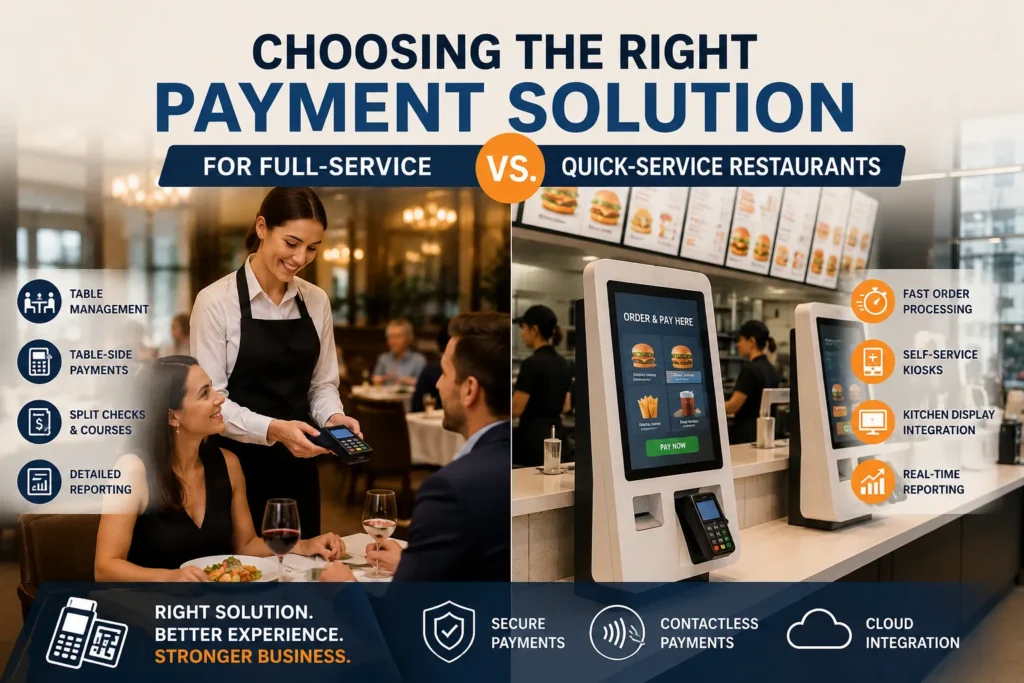
The problem is that full-service and quick-service restaurants need completely different things from their payment systems. What works for a fine dining spot will slow down a burger joint. And what keeps a QSR line moving will frustrate guests at a sit-down restaurant.
The Core Difference: Speed vs. Service
Quick-service restaurants are built for speed. Customers walk in, order, pay, get their food, and leave. Every second counts. Your restaurant checkout system needs to handle hundreds of transactions during a lunch rush without breaking a sweat.
Full-service restaurants work differently. Guests sit down. They expect a server to guide them through the meal. Orders come in courses. Checks get split. The experience matters as much as the food for the restaurant payment system.
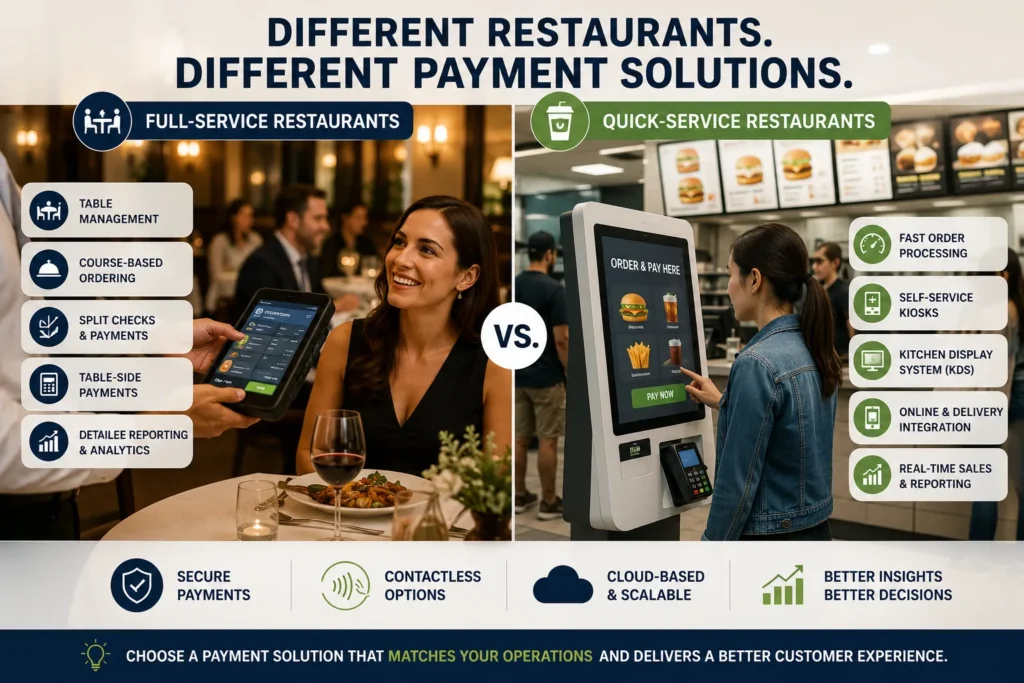
A full-service restaurant POS needs to manage tables, track courses, and handle complex orders. A QSR POS needs to move the line forward fast. Restaurant payment software is not the same thing.
What Quick-Service Restaurants Actually Need
Fast food POS systems are built around throughput. The goal is maximum orders per hour with minimum labor per order. Screens are laid out for two-tap ordering, not nested menus. Modifiers appear in predictable positions so cashiers build muscle memory. Combos and meal upgrades price themselves automatically.
Self-service kiosks are the single highest-impact addition for most QSRs. They absorb the ordering queue in parallel. Four kiosks take four orders at once while one cashier handles cash. They never forget to offer the combo upgrade, and they let customers browse photos without holding anyone up.
Your kitchen display system matters too. If you are still using paper tickets, you are losing money. Tickets fall, smear, and get lost at exactly the worst moments. A proper kitchen display routes every order onto screens with timers. The kitchen operates one synchronized queue.
And here is something most people overlook in restaurant payment systems. If your online and delivery orders arrive on a separate tablet, someone is re-keying them into the POS. That means errors. A proper QSR POS feeds online and third-party delivery orders straight into the same kitchen queue .
What Full-Service Restaurants Actually Need
Full-service dining depends on timing, coordination, and communication. Servers, bartenders, and the kitchen all need to stay in sync. Your restaurant POS features need to manage tables, courses, and detailed orders without slowing down service.
Table management is non-negotiable. You need drag-and-drop floor plans that show exactly which tables are open, which are being served, and which are about to turn. A server might be managing six tables at once, each at a different point in the meal. The POS has to make that complexity manageable .
Coursing is another dealbreaker. You need to fire appetizers, mains, and desserts at the right time. If the kitchen gets everything at once, you end up with cold food or overwhelmed cooks. Course-by-course ordering lets the kitchen pace itself.
Split checks are a full-service reality. Groups want to pay separately. People forget cards. The POS has to handle all of it without your server spending ten minutes at the terminal. Toast and Clover both offer strong table-side solutions where servers can take orders and process payments without returning to a terminal.
Pricing: The Numbers That Actually Matter
Clover has lower card-present rates but charges significantly more for online transactions. If your restaurant payment system does meaningful online or delivery volume, that half-percent difference compounds fast .
Toast’s pricing looks attractive on paper because the Starter Kit has no monthly software fee. But pay-as-you-go processing rates and stacking add-ons can push total spend well beyond the base subscription. Full-service restaurants often exceed $1,000 per month once loyalty, marketing, payroll, and inventory tools are added.
Otter keeps pricing simpler. The Starter plan begins at $19 per month and includes analytics, menus, live monitoring, and 24/7 support. Features that competitors reserve for higher tiers .
Square’s offering is worth mentioning. The Square Restaurants POS app itself is free, but you pay per transaction. It handles online ordering, floor management, and flexible payments through one iPad-based system.
Contactless Dining: Not Optional Anymore
About 80% of eateries now use some form of contactless dining. Quick-service restaurants have the highest adoption rate at 92% .
What does that mean for you? QR code menus, self-service kiosks, mobile payments, and table-side payment devices are becoming standard.
Large chains are leading the way. McDonald’s has rolled out self-service kiosks chain-wide. Starbucks reports that mobile orders now account for up to 25% of U.S. store orders. Taco Bell saw digital sales grow 35% after implementing kiosks.
The benefits of restaurant payment system are measurable. Contactless systems reduce wait times, increase order accuracy, lower staffing needs, and boost average ticket size through upselling. At Flavor District, integrated solutions helped reduce order errors and improve operational oversight.
Making the Decision
So how do you choose?
If you run a quick-service restaurant, prioritize speed. Look for two-tap ordering. Real-time menu sync across channels. Integrated online and delivery order management. Self-service kiosk options. Competitive online processing fees. Otter and Clover are strong QSR options, though Otter offers more flexibility with shorter contracts and lower entry pricing.
If you run a full-service restaurant, prioritize service. Look for robust table management. Course-by-course ordering. Split check capabilities. Table-side payment options. Toast shines here with its handheld devices and deep dine-in feature set.
If you are somewhere in between, look for hybrid solutions. Square offers flexibility with QR code ordering and takeout integration alongside full-service features. Global Payments’ Genius platform also bridges both worlds with a modular approach.
Conclusion:
Pick a restaurant payment system that matches how you actually operate. Not what some salesperson says is best. Not what your competitor uses. What fits your workflow, your menu, and your customer expectations.
Because when your system aligns with your flow, your team moves faster, stays organized, and delivers a better experience.
And that is what keeps people coming back.
Frequently Asked Questions
What is the difference between full-service and quick-service restaurant POS systems?
Full-service POS systems need table management, coursing, and split check features. Quick-service POS systems prioritize speed, two-tap ordering, and high transaction volume during peak hours.
What restaurant POS features are most important for QSRs?
Speed-focused features include self-service kiosks, kitchen display systems, integrated online ordering, and speed-of-service reporting. The goal is maximum orders per hour with minimum labor per order.
What restaurant POS features are most important for full-service restaurants?
Table management, course-by-course ordering, split checks, and integration with reservation platforms are essential. Table-side payment devices help speed up checkout.
How much does a restaurant POS system cost?
Costs vary widely. Otter starts at $19/month, Clover at $135-179/month, Toast at $0-69/month plus processing fees. Processing rates typically run 2.3-3.5% per transaction.
What is contactless dining?
Contactless dining uses QR code menus, self-service kiosks, mobile payments, and table-side devices to minimize physical contact. It speeds up service and improves guest satisfaction.
Do QSRs really need self-service kiosks?
Yes, for high-volume operations, kiosks are the single highest-impact addition. They absorb ordering in parallel, never forget to offer upsells, and let customers browse without holding up the line.
What is a kitchen display system?
A KDS routes counter, kiosk, online, and delivery orders onto screens with timers. The kitchen works one synchronized queue instead of dealing with paper tickets that can get lost or smeared.