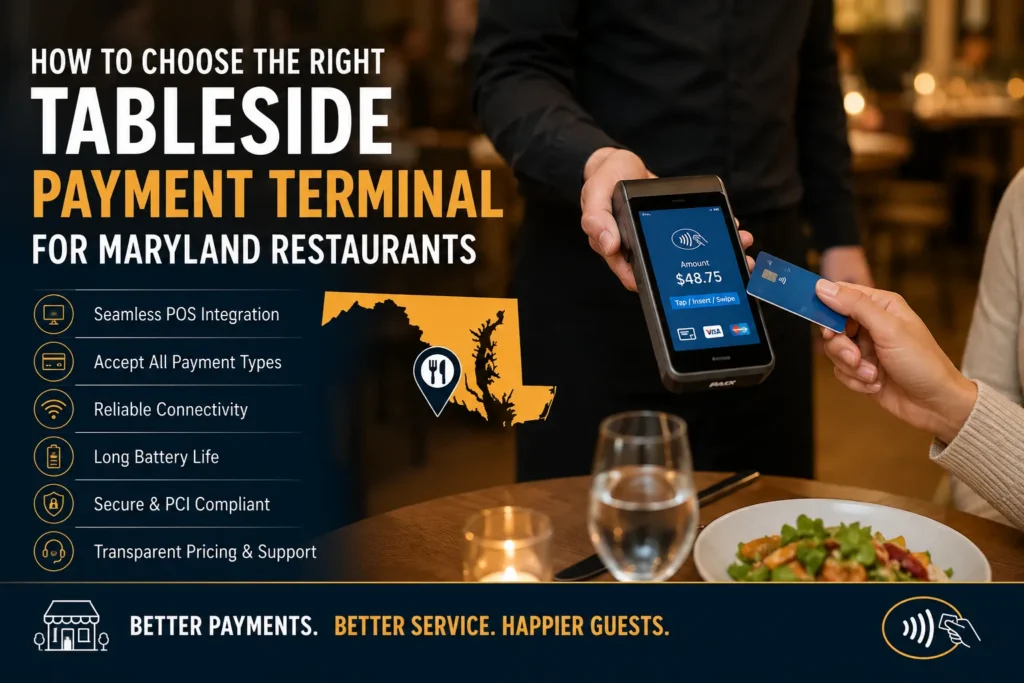
The tableside payment terminal will make the process of checkout much easier by letting customers pay at the table. Restaurants require more than a card reader. The device must fit into the workflow of the restaurant and be reliable in connecting, as well as integrate with the POS and payment methods, and ensure adequate security.
For Maryland restaurants, payment processing terms and technical support should also be considered. This guide will explain what you need to look for, what features are most important, and how to test the equipment before purchasing.
What Should a Tableside Payment Terminal Do?
A tableside payment terminal allows servers to process payments directly at the guest’s table instead of sending customers to a fixed checkout terminal. Depending on the device, customers may be able to insert, tap, or swipe their cards or pay using a mobile wallet.
A great Tableside payment terminal should also support POS integration so that payments, tips, receipts, and order information are kept in sync.
1. Check Payment Methods and POS Integration
Pick a device that can support the payment methods that your customers typically use. Before you purchase the restaurant-based POS, check compatibility with your current POS and payment processor. Check if it supports:
- Refunds and tips
- Split checks
- Digital receipts
- Reporting on payments
- Automatic sync of transactions
2. Evaluate Connectivity and Battery Life
A wireless POS terminal is most effective when it remains in the restaurant. Examine Wi-Fi coverage within the dining areas and patios, on the higher floors, and in other areas where payment transactions occur.
The battery life is also crucial. Find out the duration of operation during normal hours and the speed at which it can recharge. Restaurants that have long service times may require additional devices or a suitable charging station.
3. Prioritize Security and Contactless Payments
Find out what security measures they use to protect transactions, as well as how updates to software are handled and what responsibility falls to the restaurant.
The contactless payment terminal will make it easier to pay by allowing customers to use compatible cards or mobile devices.
4. Compare the Total Cost
When you are comparing the tableside payment terminal, be sure to take a look at the cost of hardware. The total cost could include processing costs, software, POS integration, technical support, and the replacement of equipment.
Compare:
- Cost of hardware purchase or rental
- Processing fees and rates
- Monthly support or software costs
- Costs of integration
- Replacement and repair policies
- Terms of the contract and cancellation
5. Consider Maryland Restaurant Operations
Maryland restaurants should also ask about technical support, POS compatibility, payment processing terms, and equipment replacement policies.
If you have multiple locations, ensure that the devices and reports for payments are managed in a consistent manner. Be sure to read the contract carefully prior to signing, particularly the sections that cover charges, equipment, support, and cancellation.
6. Test Before You Commit
An actual test may reveal the flaws that descriptions of products miss. Let employees play with several payment options in a busy service situation.
Test whether the device is comfortable to carry around, the prompts for payment are clearly displayed, the connections are stable, tips are simple to type in, and transactions are displayed correctly on the POS. If the restaurant you are in has patio seating, you can test the device on patios as well.
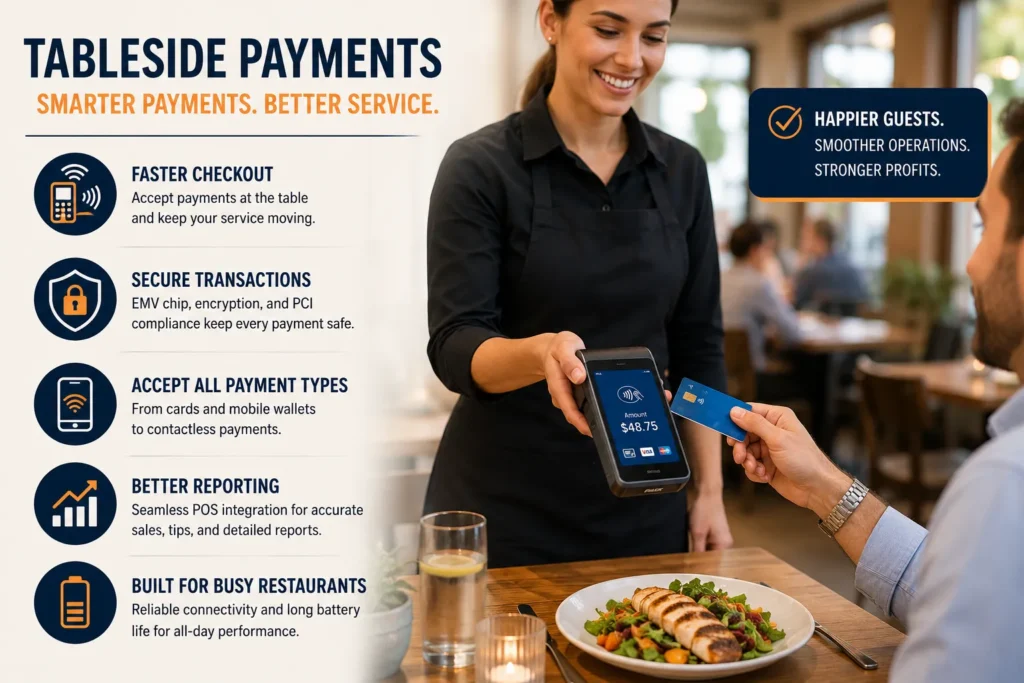
What Should Maryland Restaurants Look for in a Tableside Payment Terminal?
You should look for reliable connections, a long battery life, secure payment processing, an easy-to-read POS interface, a simple prompt, and reliable assistance.
Consider your restaurant’s size, layout, transaction volume, and future technology needs. A small, neighborhood-based restaurant may require a less complicated layout than a larger dining space.
Payment Services Worth Comparing
A payment processor should provide more than just hardware. The most useful services include assistance with setup, POS integration, technical assistance for employees and troubleshooting, replacement of equipment, and transparent payment processing conditions. You should inquire who is in charge of technical issues and the hours of support available.
Conclusion
Selecting the right tableside payment terminal will result in the most pleasant payment experience for customers as well as staff. Examine payment options, POS integration, connectivity security, support, and overall cost before making a decision.
Maryland restaurant owners must also look over the processing terms and try out devices in the real restaurant environment.
Frequently Asked Questions
What is a tableside payment terminal?
It’s a portable device that enables restaurant employees to take payments from the guests’ tables. It is dependent on the model. It can accept credit cards, contactless transactions, and mobile wallets.
Is it the same as a restaurant POS terminal?
Not always. A restaurant POS terminal is typically designed to manage orders and transactions from a fixed location, while a tableside terminal is portable and designed for processing payments at the guest’s table.
What should I check before buying one?
Examine POS compatibility and the battery’s life, payment methods and connectivity, security, support costs, processing costs, and the contract terms. Also, testing the device is advised.
Can customers pay with mobile wallets?
Yes, if your device is compatible with mobile payments via contactless. Verify compatibility with the payment method you intend to accept.
Why is POS integration important?
Integration helps keep order and payment information linked. It helps reduce duplicate entries and makes it easier to process refunds, tips, and receipts, as well as reporting.
How important is battery life?
It is vital to use the right equipment throughout the course of a shift. Select equipment that is able to manage the busiest time of your service.
Are tableside payment systems secure?
Yes, tableside payment systems can be secure when they use appropriate payment security measures and are properly maintained. Ask your provider about encryption, tokenization, software updates, PCI compliance, and how payment data is handled.
What does a mobile payment terminal cost?
Costs differ by service and set-up. Think about processing, hardware, software, support, and replacement costs in combination.
Should small Maryland restaurants use wireless payment devices?
They are useful if employees are often walking between tables, and fixed check-out can slow service. The choice should be in line with the layout of the restaurant and the volume of payments.
How do I compare different payment solutions?
Begin by defining your workflow and comparing the payment options, integration with POS, security, reliability, overall cost, and customer support. An actual test will aid in determining the most suitable solution.