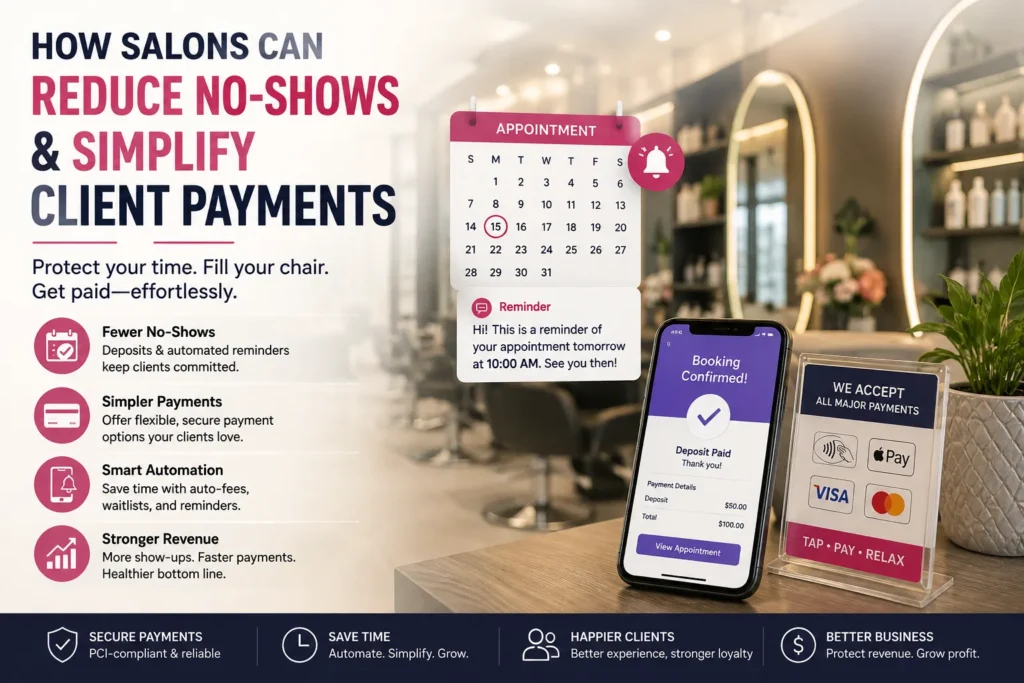
Here is the thing about running a salon. You block out time for a client, turn away other bookings, and then they just do not show up. That empty chair is lost revenue you cannot get back. And chasing payments after the fact is a headache nobody signed up for.
The most effective way to reduce salon no-shows is to stop relying on goodwill and start using systems that enforce your policies automatically. Here is how salons are protecting their revenue while keeping clients happy.
Go Beyond Card Capture: Use Deposits
Many salons moved to card capture as a no-show deterrent, but they are finding it is not enough. Clients can book with cards that have insufficient funds, knowing the fee will never go through . When that happens, the salon still absorbs the cost of the empty chair, staff wages, and overheads.
The fix? Move from card capture to deposits. A deposit secures commitment at the time of booking. Unlike card capture, deposits ensure funds are received upfront rather than relying on a future transaction that may fail. One salon manager reports their no-shows are now under 5% thanks to a 50% deposit for specialist services and a minimum £20 deposit for online bookings .
- For new clients: Require a deposit upfront. You have no history with them, and they have no track record with you.
- For repeat offenders: Change their profile so they must pay a deposit for any future appointment reminders. If you want to soften the message, blame the software, “The system won’t let me book you without a deposit.”
Software That Automates No-Show Protection
Modern salon software does the heavy lifting for you. Instead of manually chasing fees and reminders, the system handles it automatically. Here is what to look for salon payment processing:
- Card-on-file and auto-charging: When a client books, their card is secured. If they no-show, a staff member marks the appointment as missed, and the system automatically charges the pre-defined fee.
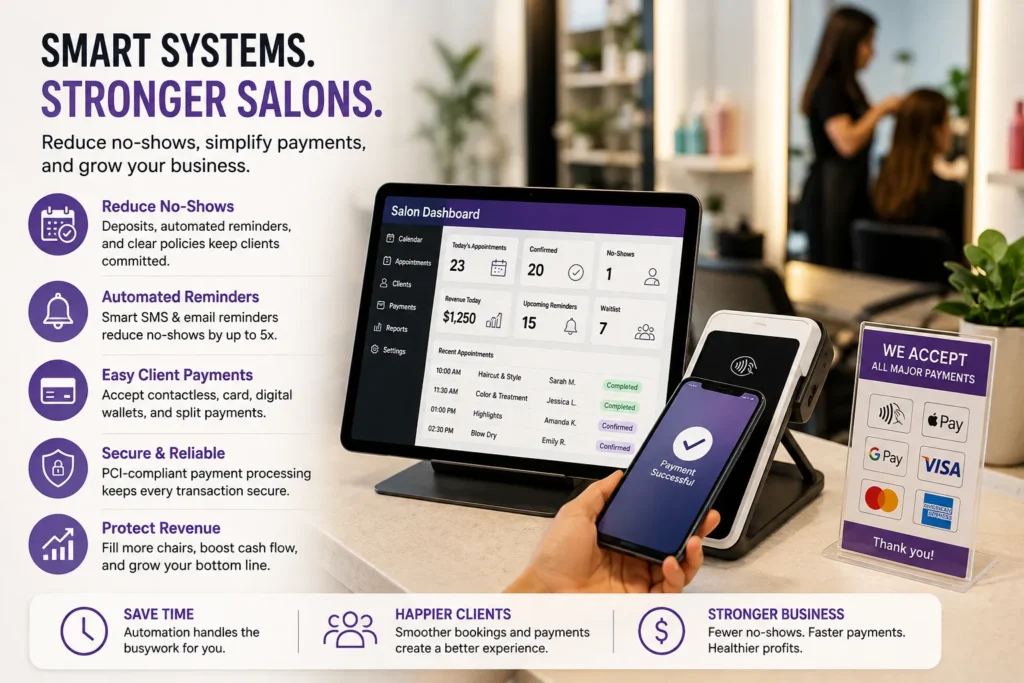
- Automated reminders: A simple text or email reminder 24 to 48 hours before the appointment can reduce salon no-shows by up to five times. Some platforms let you set multiple reminders, such as 24 hours, 4 hours, and 1 hour before.
- Waitlist automation: When a cancellation happens, the system can automatically notify clients on the waitlist. That empty slot gets filled with minimal effort.
Popular platforms offer these features, including automated fee processing and deposit collection. Treatwell Pay lets you set prepayments, custom cancellation policies, and no-show charges, with daily payouts to keep cash flow steady. For a modern, integrated setup, BookedBy (formerly SalonUltimate) supports online booking, POS, and payments all in one platform, with a direct integration with Clover hardware.
Keep Payment Processing Simple
Clients expect to pay the way they live: quickly and without cash. A modern salon payment solutions should offer:
- Tap to Pay: Accept contactless payments directly on your phone or tablet with no extra hardware.
- Split payments: Let clients split a bill across card, cash, and gift cards .
- Multiple payment options: Accept cards, digital wallets (Apple Pay, Google Pay), and buy-now-pay-later services.
It allows salons to take payments directly on an iPhone with no extra terminal, using Stripe as the secure payment processor. They offer a free-to-start all-in-one POS, booking, and CRM tool trusted by thousands of beauty businesses. It includes a full POS, Tap to Pay, split ticketing, and team commission tracking all in one platform .
Clear Policies That Staff Can Enforce
A policy only works if your team feels comfortable enforcing it. Technology helps depersonalise the process . Instead of a staff member saying, “I have to charge you,” they can say, “As per the policy you agreed to online, the system has processed the cancellation fee.”
Build the policy into your booking flow. Include it in the confirmation email and in the reminder messages. Some salons with consistent no-show clients have seen charges automatically collected and the clients rebook without any conflict .
Conclusion
Reduce salon no-shows is about protecting your time and your business. Deposits, automated reminders, card-on-file protection, and modern payment processing all work together to fill your calendar without the stress of chasing clients.
The key is making it feel like a neutral system, not a personal punishment. Once clients understand that the policy is non-negotiable, they will respect your time. And the ones who do not? They will book elsewhere, freeing up space for clients who actually value your work.
Frequently Asked Question
What is the best way to reduce salon no-shows?
Require deposits when clients book. That locks in money upfront. Then send automated reminders 24 to 48 hours before the appointment. It can cut no-shows by up to five times.
Can I automatically charge no-show clients?
Yes. Salon software with stored card details can auto-charge a no-show fee when staff mark the appointment as missed.
What’s the difference between card capture and deposits?
Card capture stores card info but only charges if a fee gets triggered. Deposits require payment at booking. Deposits are better because the money’s secured from the start.
How do I enforce a no-show policy without upsetting clients?
Use automation. When the system charges the fee, staff can say it’s automated. That removes personal conflict.
What payment options should I offer?
Offer contactless, digital wallets like Apple Pay, and split payments. Speeds up checkout and makes it easier for clients.
Does automation help reduce salon no-shows?
Yes. Automated reminders, deposits, and fee processing save staff time and protect revenue. Clients who get reminders are way more likely to show up.
How do I handle repeat no-shows?
Require them to pay a deposit for every booking. If it keeps happening, ask for full prepayment or decline future bookings.
Can I ask for deposits on online bookings?
Yes. Just frame it as standard policy — the deposit secures their appointment and goes toward the service. Most clients are fine with it.
How does automated payment processing help?
It handles card storage, deposits, and no-show fees without manual work. Saves time and keeps cash flow steady.
Is salon software worth it?
Yes. It automates reminders, deposits, and fees. It protects your revenue and lets your team focus on clients — not chasing payments.